Find your next favorite
Search songs, artists and playlists. Revisit recent searches, clear your query in one tap, and remove individual searches from your history.
Meet MuminMusic — a unified music player built for discovery, offline listening, playlists, and connecting your music across devices.
Choose your platform below. An approved account is required to sign in; requesting access does not create an account automatically.

Built as an all-in-one listening experience, bringing music, video, libraries and the people you share them with closer together.
Search songs, artists and playlists. Revisit recent searches, clear your query in one tap, and remove individual searches from your history.
Save supported music for offline listening, manage downloads, and keep listening when your connection drops.
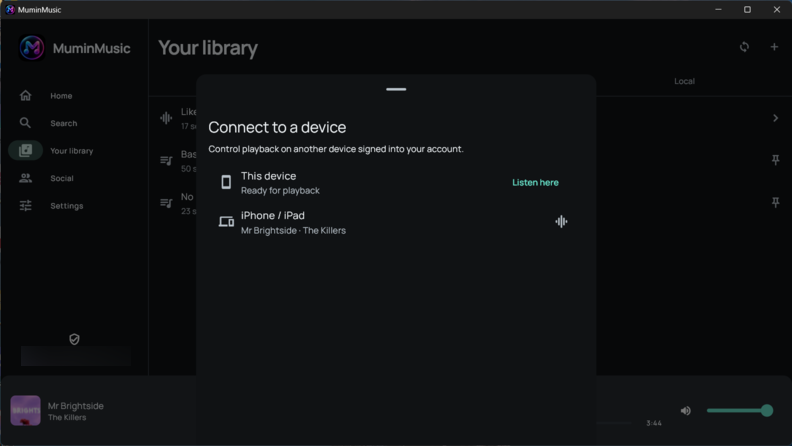
Sync your library and playlists, transfer playback, and control playback and volume on another device.
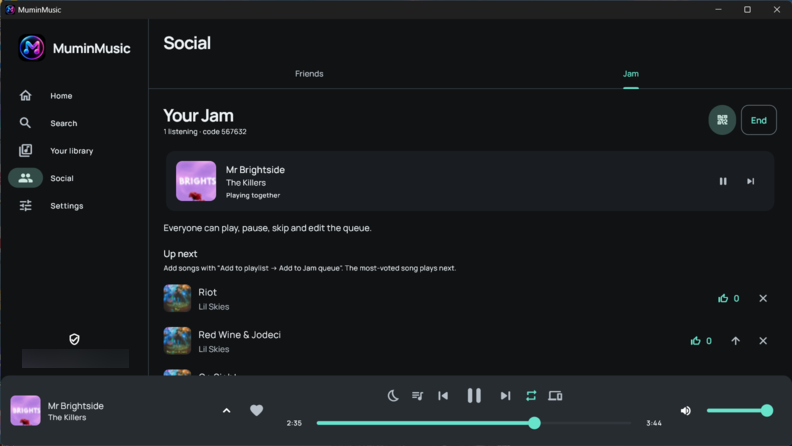
Join friends in a Jam, add songs to the shared queue, or listen along with a friend. Profiles show listening activity and public playlists.
Create and reorder playlists, import YouTube playlists with their titles, collaborate on shared playlists, and save a friend’s playlist as your own editable copy.
Use the equalizer and bass boost, plus track normalization that learns unmeasured songs during playback and reuses saved levels on later plays.
Adjust boost in 1 dB steps up to +30 dB, with warnings and confirmation. High volume can permanently damage hearing; start at a low device volume.
Choose whether to skip community-marked intros, outros, sponsor segments and other non-music sections through SponsorBlock. Coverage varies by track.
Choose a battery-saving mode. Extreme temporarily disables audio effects and reduces background work while keeping your saved preferences.
Use Windows taskbar controls and media keys, Linux desktop media controls, mobile background playback, and Android TV remote navigation where supported.
Check the App version section in Settings for updates. Supported platforms can download updates and launch their installer; iOS provides a download link.
Explore lyrics, listening history and statistics, a sleep timer, appearance options, and translated layouts with right-to-left language support.
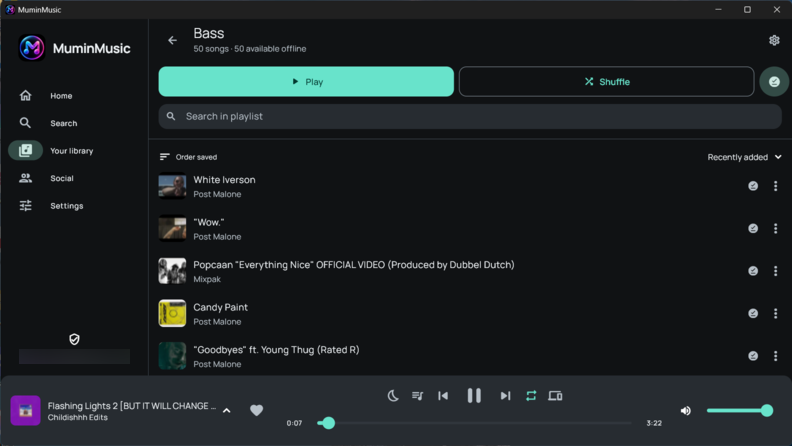
Desktop and mobile, side by side. Explore the interface and open any screenshot for a closer look.
A closer look at the desktop library and listening together.
Swipe through the mobile experience or use the arrows to explore every screen.
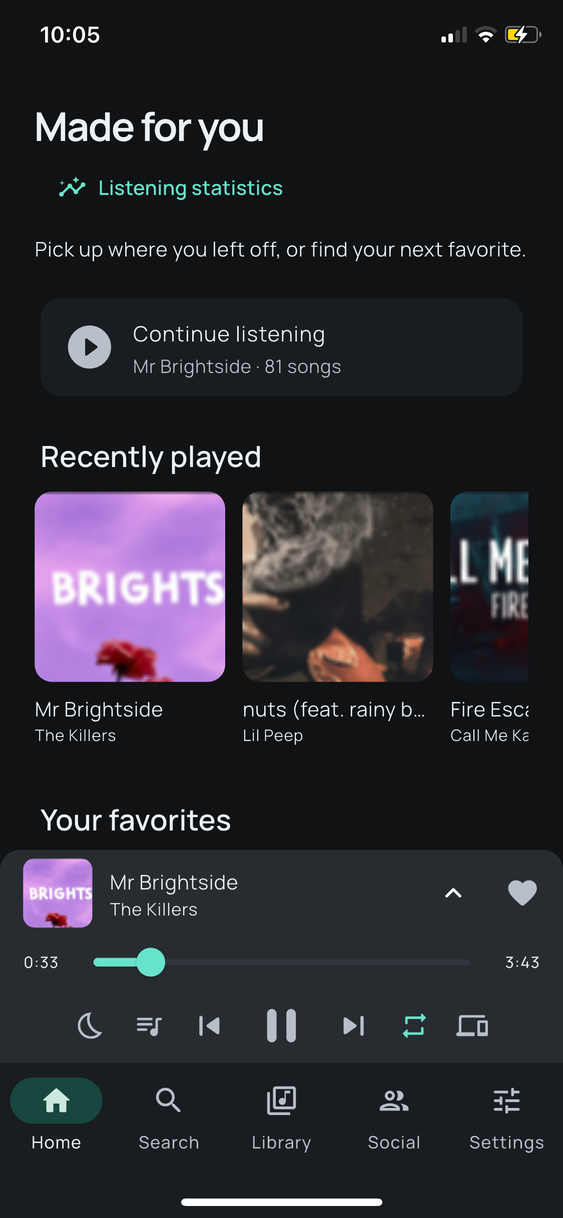 04 / 13Mobile preview
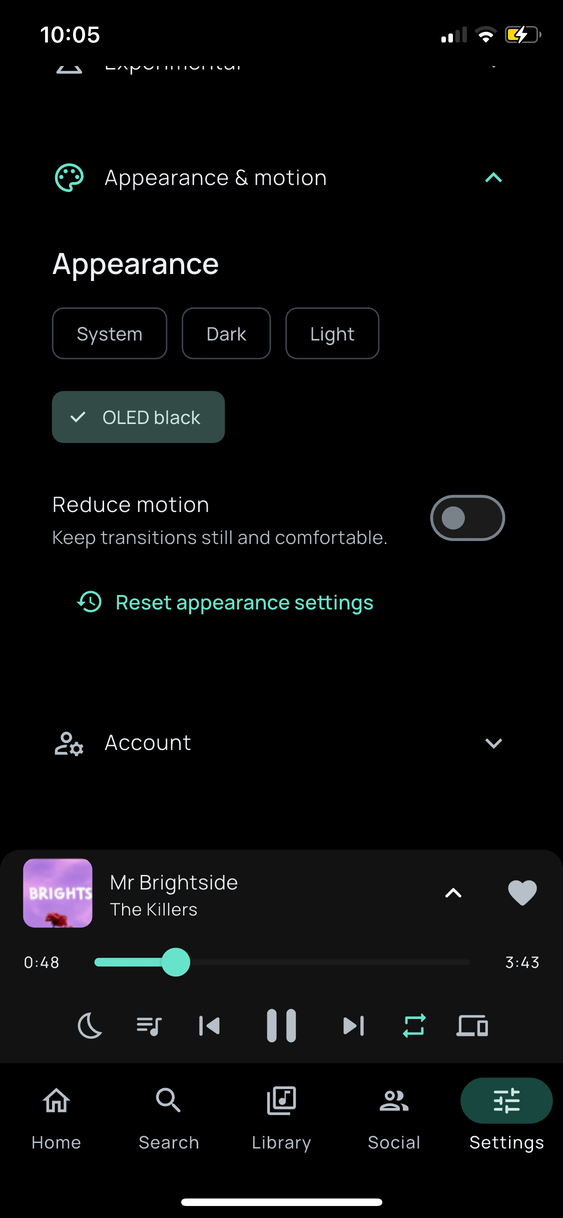 05 / 13Mobile preview
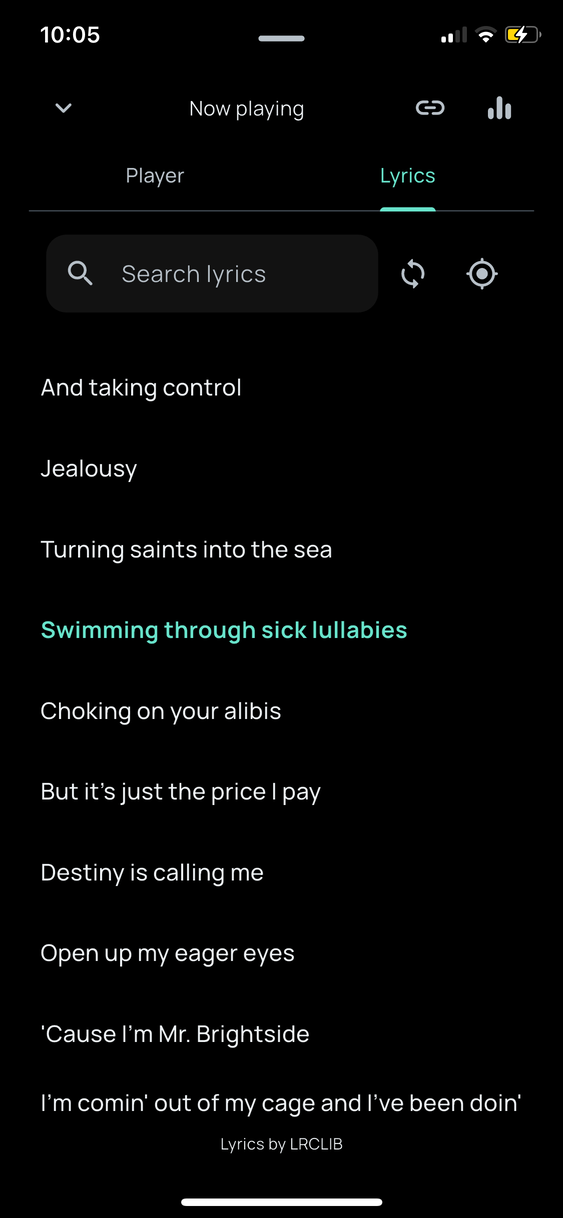 06 / 13Mobile preview
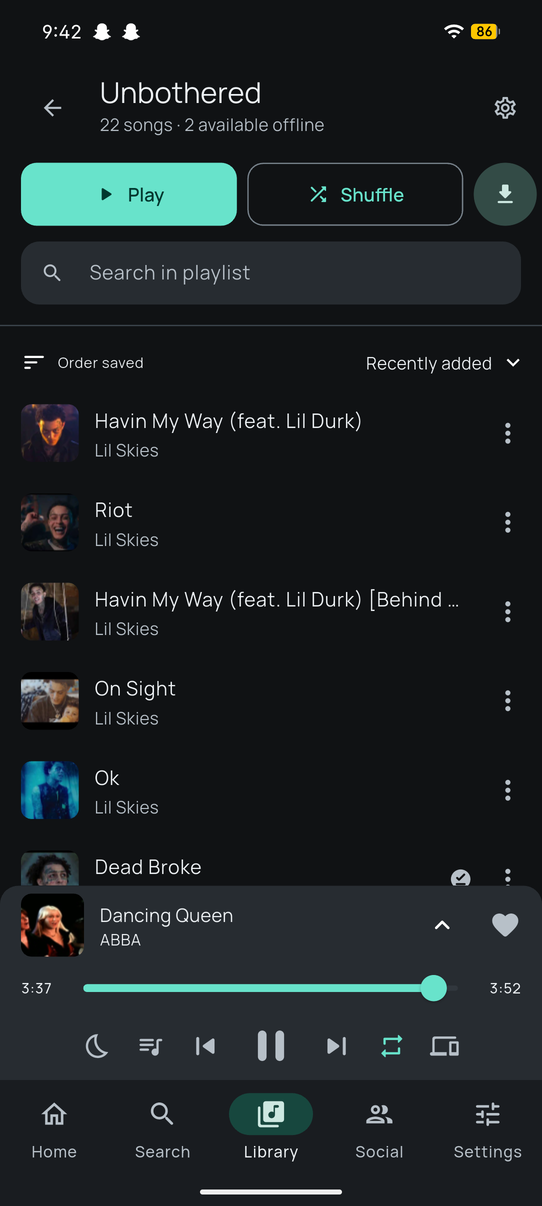 07 / 13Mobile preview
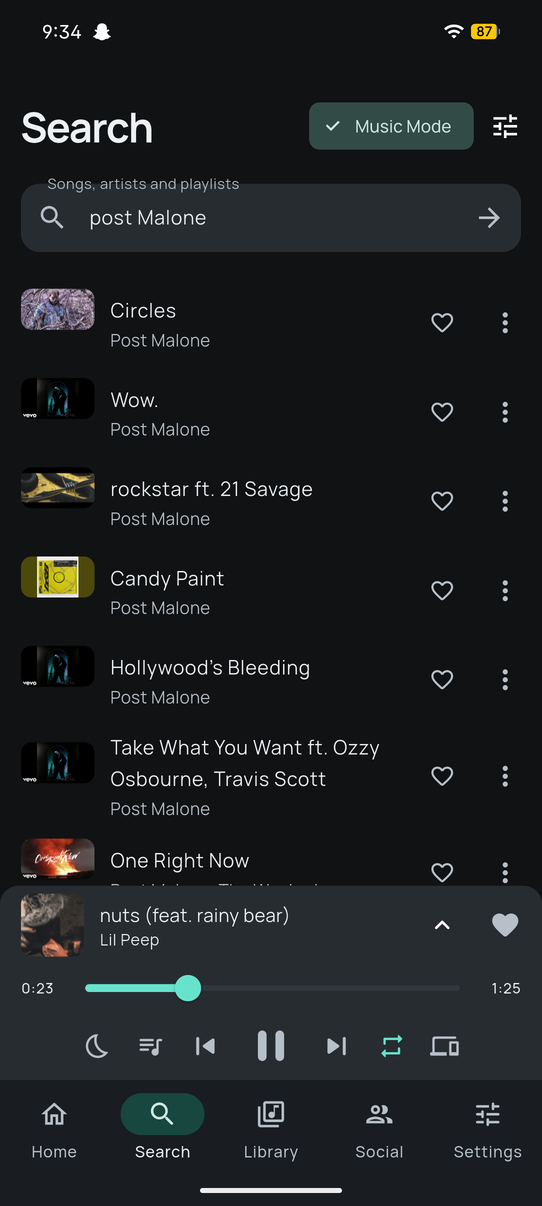 08 / 13Mobile preview
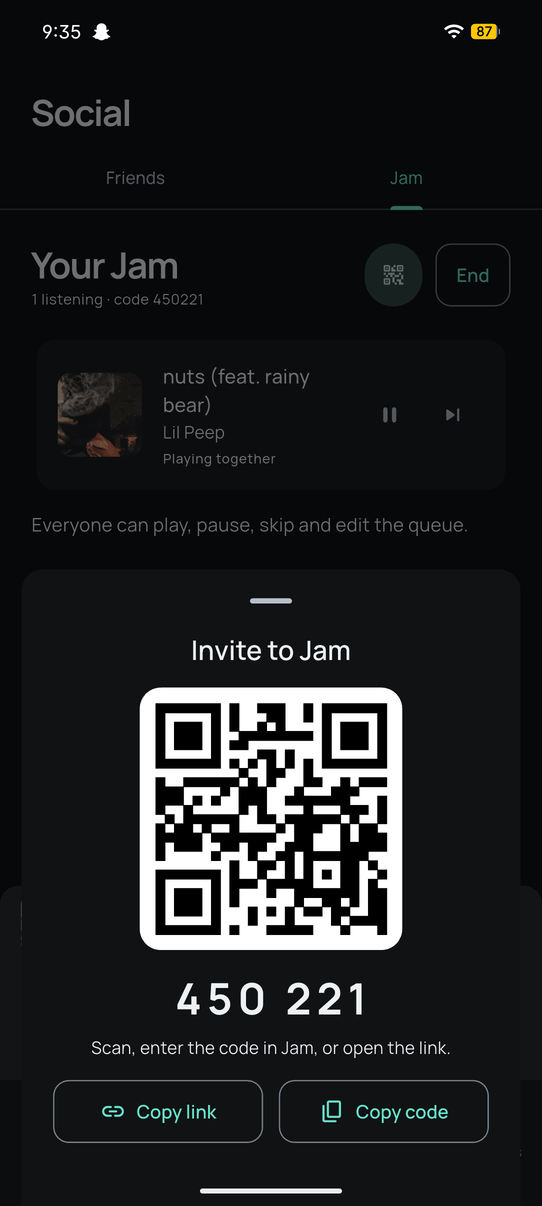 09 / 13Mobile preview
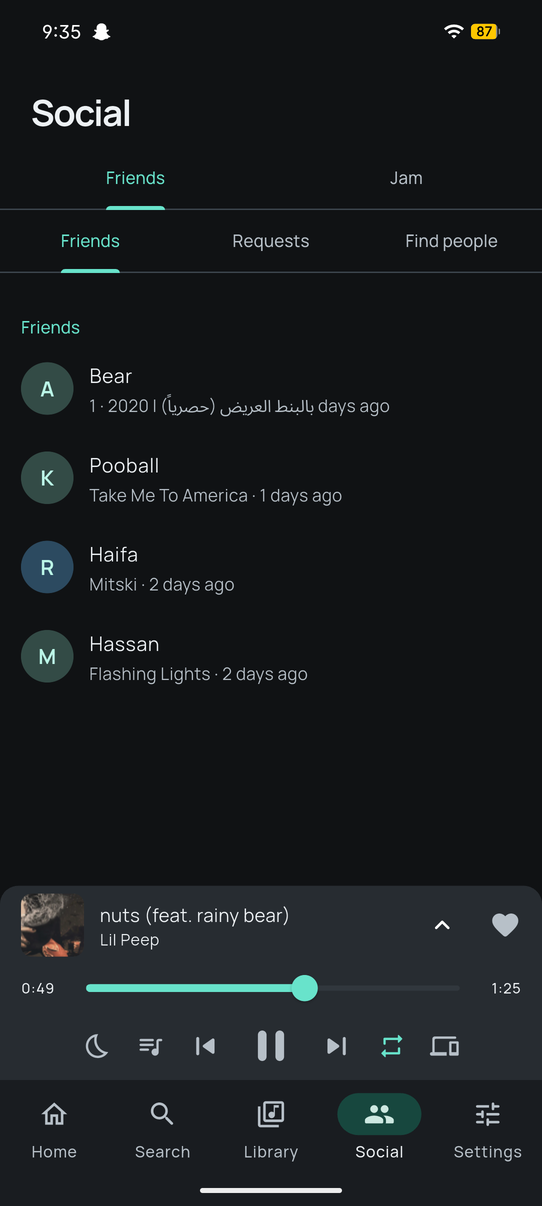 10 / 13Mobile preview
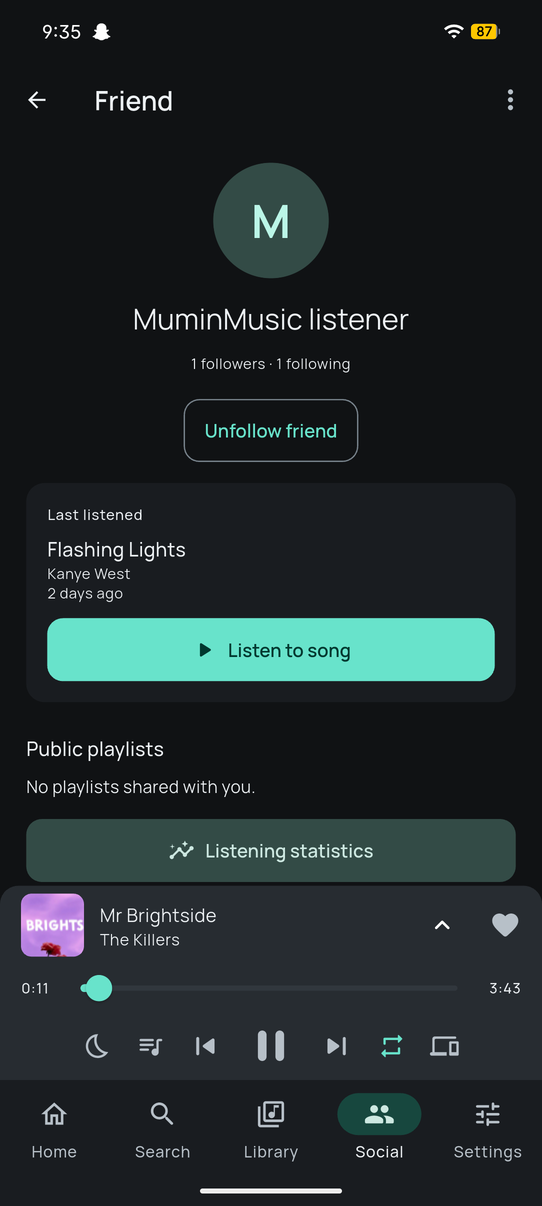 11 / 13Mobile preview
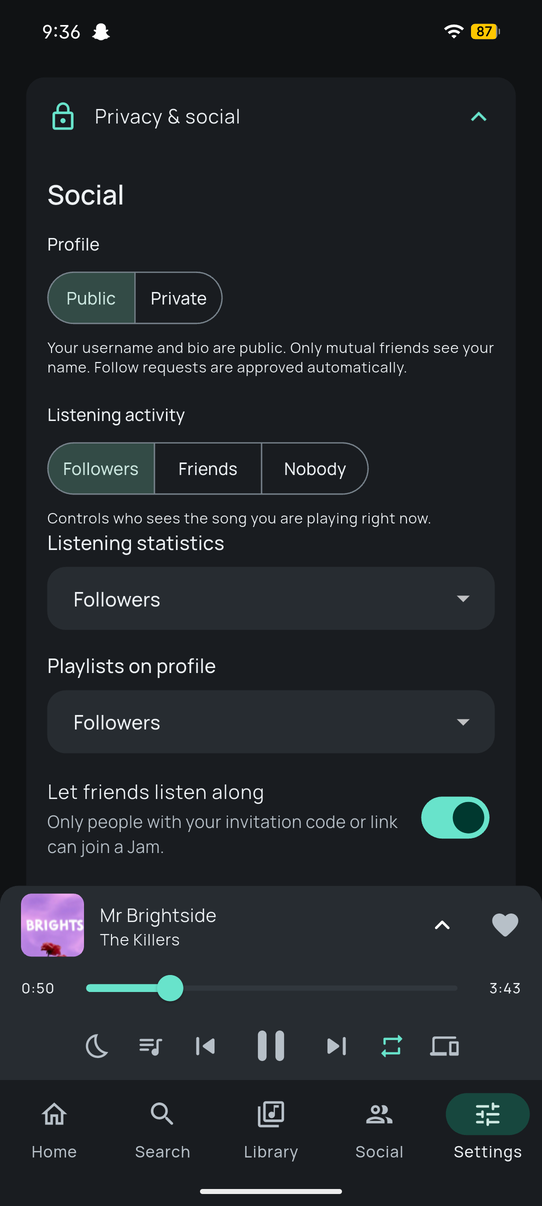 12 / 13Mobile preview
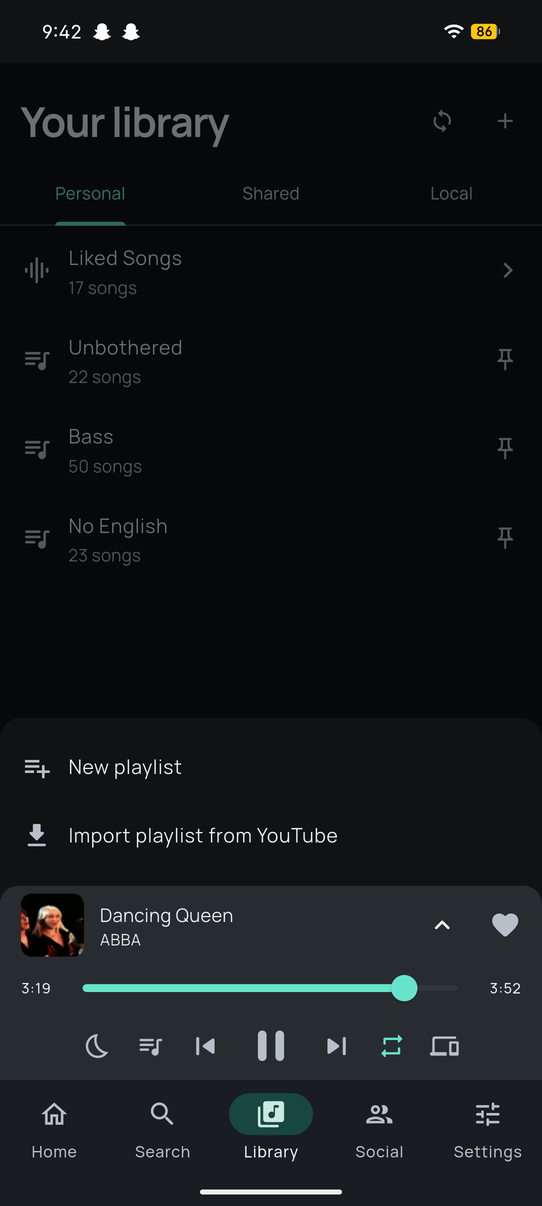 13 / 13Mobile preview
Select any image to open the full-screen viewer · Zoom and navigate with the controls.
Choose your device. Its installation guide opens while the latest release downloads in the background.
64-bit PC · EXE installer
Unsigned installer.
Download for WindowsIntel & Apple Silicon · DMG
Not notarized.
Download for macOSDebian / Ubuntu · 64-bit DEB
For compatible Debian-based systems.
Download for LinuxPhone & tablet · APK
Install the APK on your Android device.
Download for AndroidTV & streaming device · APK
Designed for TV remote navigation.
Download for Android TViPhone & iPad · IPA
Requires signing and sideloading; not an App Store install.
Download for iOSInstall updates over your existing app to preserve your data. An approved MuminMusic account is required to sign in.
Request an account for review. Include the email you want to use for the app so I know where to send an invitation if approved.
Availability differs by platform and build. Some features above describe the app's intended experience and may not be fully available in every release. MuminMusic does not host or own third-party music.